invinityads

Senin, 30 November 2009

Polka Dots with Clipping Mask in Photoshop

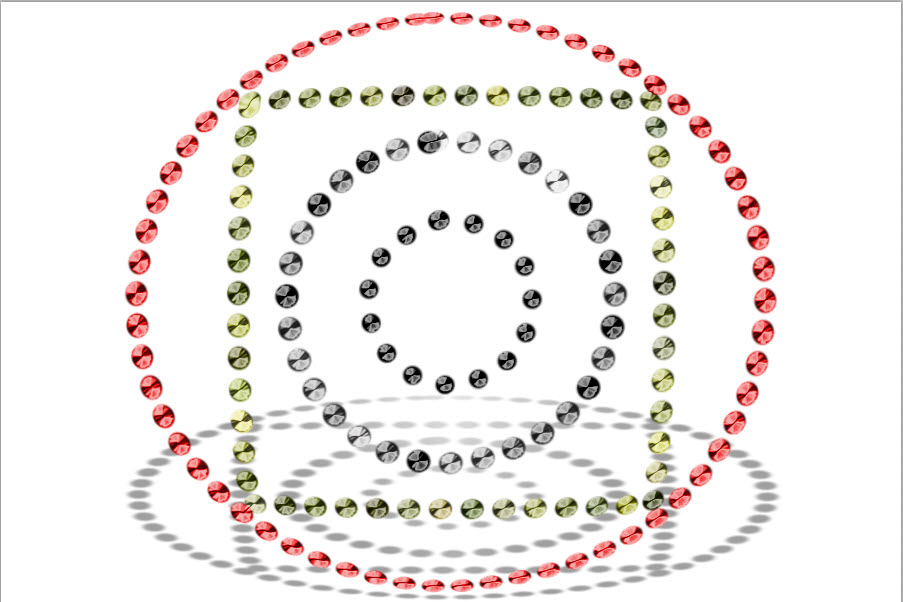
Here is another Polka dot tutorial, this time using Patterns and a clipping Mask in Photoshop. It is quite easy to do.

This one has been created with Patterns found in Photoshop.

These Polka dots have been made using a Clipping Mask. They are both part of the same tutorial.
The tutorial is here.
Other Photoshop tutorials are here.

Minggu, 29 November 2009

Polka Dots with Patterns in Photoshop

Here is another tutorial on creating Polka dots in Photoshop with Patterns and Brushes. You will also learn about the Color Picker and how to manipulate a drop shadow. You will also learn how to open the Gradient Editor.


You can easily create Polka Dots like this.

And, this effect.
The tutorial is here.
Other photoshop tutorials are here.

Sabtu, 28 November 2009

Polka Dots in any version of Photoshop

Let's make some colorful Polka dots with Photoshop. You can do it in any version. You can use the Polka dots as background or whatever you like.

A polka dot design can be made easily.

You can also create a Polka Dot Brush which you can save for later use.

The tutorial is here
Other Photoshop tutorials are here.

Selasa, 24 November 2009

Frame - Rounded Frame in Photoshop

You can make many types of frames in Photoshop. Rounded frames are one of the,. Let me show you how to make a rounded frame and also download and install a brush in Photoshop downloaded from the Internet.

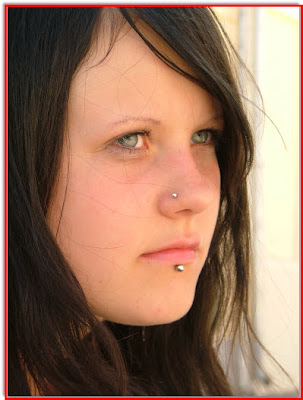
You can take a free stock photo like this.

And add a frame like this. This frame will not cover any part of your original image either.

The tutorial is here.

Other tutorials are here.

Senin, 23 November 2009

Frame Simple 3D with Photoshop

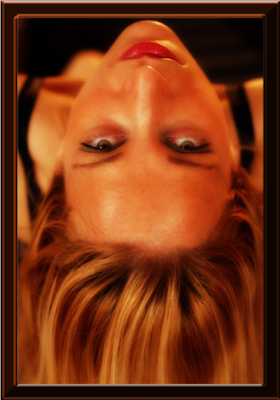
There are various ways to make a frame for your photos. I will show you a very simple 3D effect with which you can frame any photo.

You can make a 3D frame like this for any photo. It's not at all difficult.

The tutorial is here.

Other photoshop tutorials are here.

Minggu, 22 November 2009

Frame Black and White Border with Photoshop

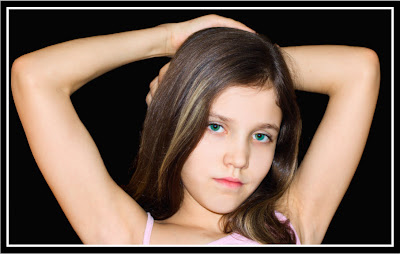
You can add a classic Black and White border to just about any photo in just a few steps in Photoshop. All you need is the photo and photoshop will do the rest.

This frame can be done in a jiffy in Photoshop.

The tutorial is here.

Other photoshop tutorials are here.

Sabtu, 21 November 2009

Face Scrub With Channels in Photoshop

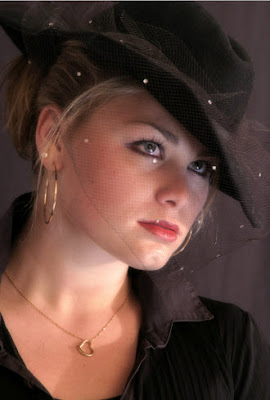
Sometimes close ups get ruined because of imperfections of the skin. It is possible to rectify this in Photoshop.

You can make out the imperfections in this photo.

The skin has been rectified in Photoshop.

The tutorial is here.

Othr photoshop tutorials are here.